
Choosing a Keyless Entry System for Your Business
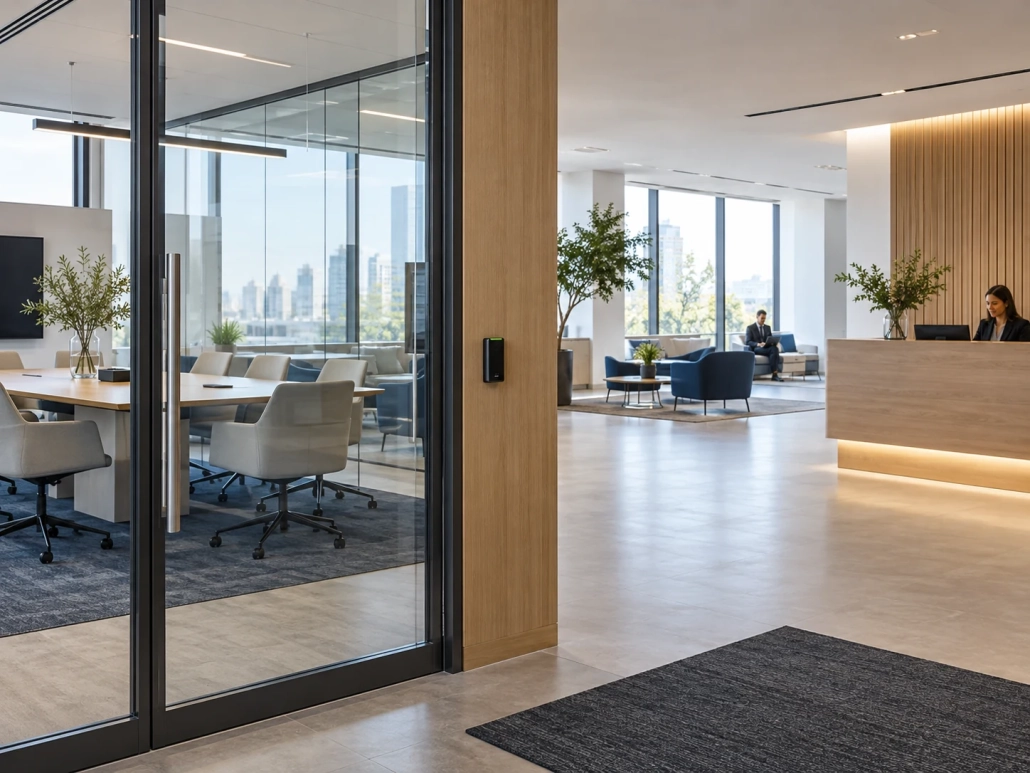
A keyless entry system for business manages entry using credentials such as cards, fobs, codes or supported mobile credentials instead of a conventional key. For an office, its value comes from assigning access to the right people, separating public and staff areas, and keeping permissions current as employees and visitors change.
For a small office with stable staff, a locally managed entry arrangement may be enough. A business with frequent staff changes, shared entrances or several controlled areas may benefit from central permission management. The best keyless entry system is the one whose administration, credentials and door equipment fit those daily operations.
Plan Business Access by People, Areas and Working Hours
A small office may have only a few doors but frequent staff changes. A larger business may have many rooms with relatively stable permissions. Door count affects the equipment list; staff turnover, shift patterns and visitor traffic affect the work of administering access.
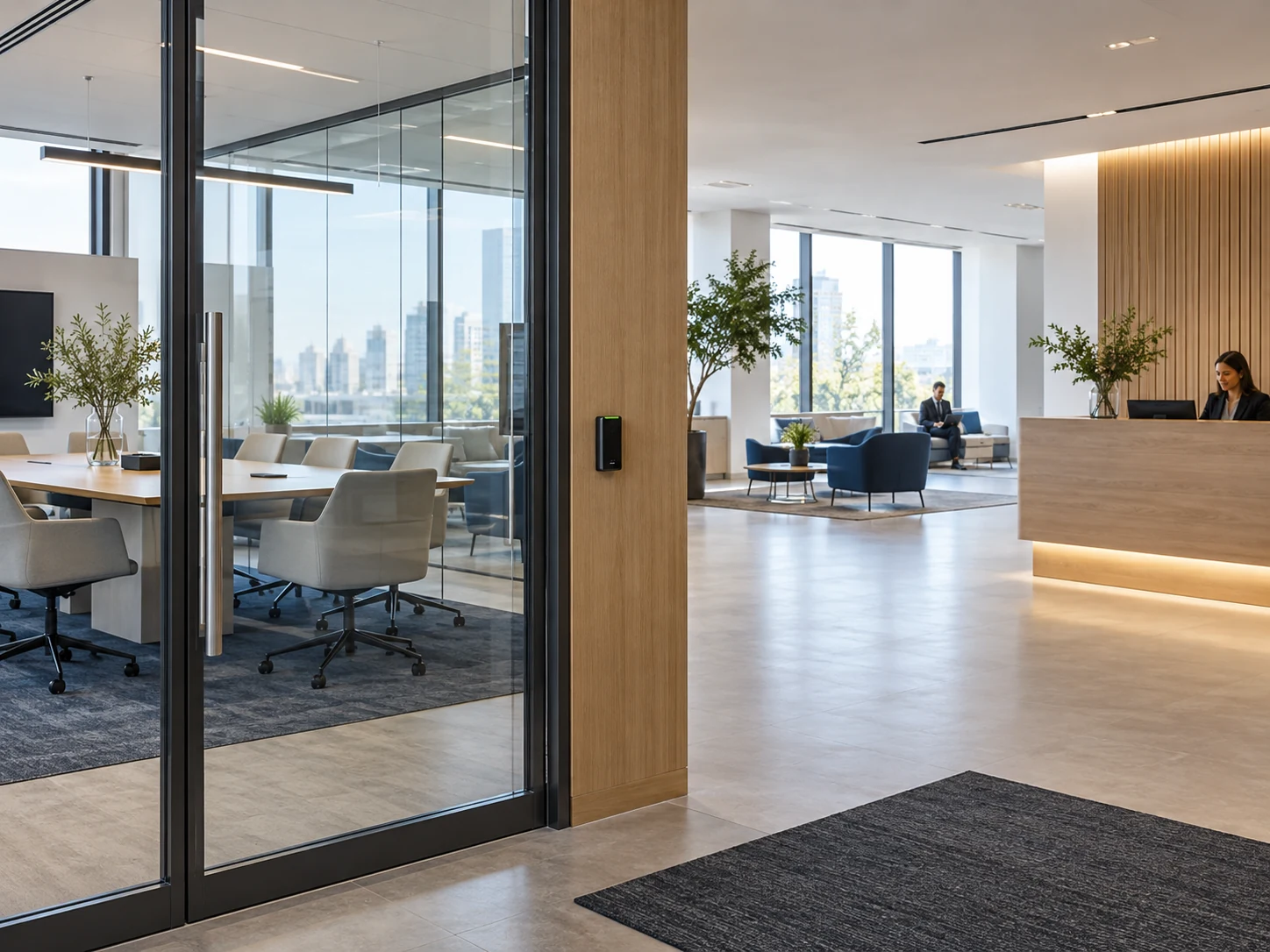
Separating an office into public, staff and restricted areas gives each opening a clear purpose. Reception can remain a welcoming point of arrival while internal doors protect workspaces or storage. Different areas do not necessarily need the same credential policy.
Office access planning connects three things: the person using a credential, the areas they can enter and the times access is needed. These requirements shape the choice of management platform and compatible door equipment.
Office Keyless Entry: Staff, Visitors and Contractors
| User group | Typical access need | Administration focus |
|---|---|---|
| Employees | Work areas associated with their role and working hours. | Issue individual credentials; change access when roles change. |
| Visitors | Arrival through reception and access to the meeting destination. | Use reception-assisted entry or supported visitor permissions. |
| Cleaning and service teams | Relevant areas during an agreed service period. | Separate service access from general staff permissions. |
| Managers and facilities staff | Selected areas needed for operations and maintenance. | Keep door-access rights separate from software administrator rights. |
For example, a cleaning contractor may need an office entrance and shared work areas, while a stockroom remains limited to authorized staff. A visiting supplier may only need to reach reception. Separate permissions keep these different access needs distinct.
Key Fobs, Cards, PINs or Mobile Entry for Employees?
Individual cards and fobs
An individually assigned card or fob links a credential to a member of staff, making its issue, replacement and withdrawal easier to manage. Cards and fobs must match the reader technology and the system’s enrollment method.
Shared codes and individual PINs
A shared code can be convenient for a small group, but it becomes harder to control as people join and leave. Changing that code requires communicating the new one to every remaining user. Individual PINs, where supported, allow separate user permissions, though codes can still be disclosed to other people.
Mobile credentials
Phone-based entry can reduce the need to distribute physical credentials. The selected solution determines which phones and apps it supports, how staff are enrolled and how access is withdrawn. A card or PIN alternative can be part of the access plan where the selected equipment supports it.
Keep Access Current When Employees Join, Move or Leave
Permission management continues after installation. A new employee needs the appropriate doors, an internal transfer may require different areas, and a departing contractor should not retain access. A clear owner for these changes matters as much as the unlocking method.
- Joining: assign the person to the relevant access group and issue the agreed credential.
- Changing roles: replace outdated permissions rather than simply adding more doors.
- Leaving or losing a credential: withdraw the credential using the update process supported by the system.
With local door management, withdrawal may require an update at the affected door. A connected system can support centrally managed changes where that function is included, with delivery dependent on its communication state. A change saved in software and a change applied at the door are distinct events.
Individually assigned credentials can make entry records more useful for reviewing access activity than a code shared by a whole team. The recorded events and how they are retrieved depend on the selected system.
Which Keyless Entry System Fits a Small Business or Office Building?
Small offices with a stable team
A small business can keep administration simple when one person manages a limited number of staff doors and changes are infrequent. A locally managed lock may suit that arrangement. Individual credentials still matter: a smaller team does not remove the need to replace a lost card or withdraw a former employee’s access.
Shared business entrances
A main entrance serves employees, deliveries and visitors, so its operating pattern differs from an internal office. Reception-assisted entry, individual staff access and public opening hours may need separate treatment. Reader-and-controller arrangements are one way to coordinate entry permissions with suitable door hardware.
Multi-door offices and commercial buildings
When several doors need coordinated permissions, central management can make user groups and changes easier to administer. The project then includes the management software, communication equipment and compatible door devices, alongside installation and support. KEYPLUS offers commercial keyless entry and access control solutions tailored to the entrances and management functions required.
For the physical opening itself, lock selection remains a separate part of the project. Door construction, the locking arrangement and the installation determine which hardware is suitable. Explore commercial electronic door lock selection and door compatibility for the hardware side of an office refurbishment.
What Makes a Commercial Keyless Access System Reliable?
Day-to-day reliability depends on the complete entry arrangement: suitable door hardware, dependable credential reading, the equipment’s power supply and a manageable process for changing access. The selected architecture determines which functions operate locally and which rely on network communication.
A locally operating door and a remotely managed permission change have different dependencies. An online connection can support remote administration, while the lock or controller still has its own operating behavior. Appropriate power arrangements, maintenance and a supported recovery method help keep the entry system practical to operate and maintain.
KEYPLUS provides product selection and project-based configuration support for commercial entrances. The equipment and support scope are matched to the selected hardware and management arrangement.
Business Entry System Costs Include More Than the Reader or Lock
A useful project quotation distinguishes door equipment from management and installation. One office may need new locks at selected internal doors; another may need readers, controllers, power equipment and a management platform at shared entrances. Those are different purchasing scopes.
The total can include credentials, installation work, configuration, training and any agreed software or hosted-service charges. Future additions matter too: adding another door or replacing a batch of credentials should fit the operating arrangement. A single advertised lock price cannot represent the installed cost of every office.
KEYPLUS manufactures commercial smart locks, mortises, access-control accessories and gateways. Its commercial and office access applications connect product selection with the intended use. Project support includes installation drawings, remote guidance, software configuration and user training, with the scope agreed for the project.
For an office refurbishment or new business premises, discuss your keyless entry project with KEYPLUS to explore equipment and access-management options suited to the way the business operates.
Business Keyless Entry FAQs
What is the best keyless entry system for a small business?
For a small business, the best fit is a system that matches its daily staffing and visitor routines. A single staff door with infrequent changes can have different management needs from an office with shift workers, temporary contractors and several restricted rooms. The number and frequency of permission changes matter alongside the number of doors.
Is a key fob better than a shared entry code for employees?
An individually assigned card or fob makes it easier to associate a credential with one employee and manage its replacement. A shared code is known by several people, so changing it affects everyone who uses it. Reader compatibility and the supported card technology depend on the selected equipment.
Can visitors use the same office entry system as employees?
Visitors can be included where the selected system supports the required guest-access workflow. Their access can be limited to the relevant entrance and visiting period. Reception-assisted entry is another option when the business does not need to issue a visitor credential.
Does an office keyless entry system need a cloud subscription?
Not every office entry system uses a cloud service. Local management and hosted services have different operating arrangements. Software licensing, remote functions, storage and ongoing service charges belong to the selected solution and should be included in its commercial scope.
What determines the cost of a business keyless entry project?
The cost depends on the doors being controlled, credential method, management equipment, installation work and support scope. Software or service fees and future expansion can also affect the total. KEYPLUS provides project-based quotations rather than a universal price for every business.
What is the best keyless entry system for an office building?
For an office building, a centrally managed arrangement can suit shared entrances and several access zones, especially when staff permissions change often. A smaller office with stable users may need simpler local management. The appropriate choice depends on entrance routines, administration and compatible door equipment, rather than a universal brand ranking.
Which keyless access systems are most reliable for commercial buildings?
Reliability depends on the complete installation, including door hardware, credential readers, power arrangements and the way permissions are updated. Local and connected functions have different dependencies. No single architecture is the most reliable for every commercial building; the configuration and support must fit the site’s operating needs.

