
How to use a keyless lock?
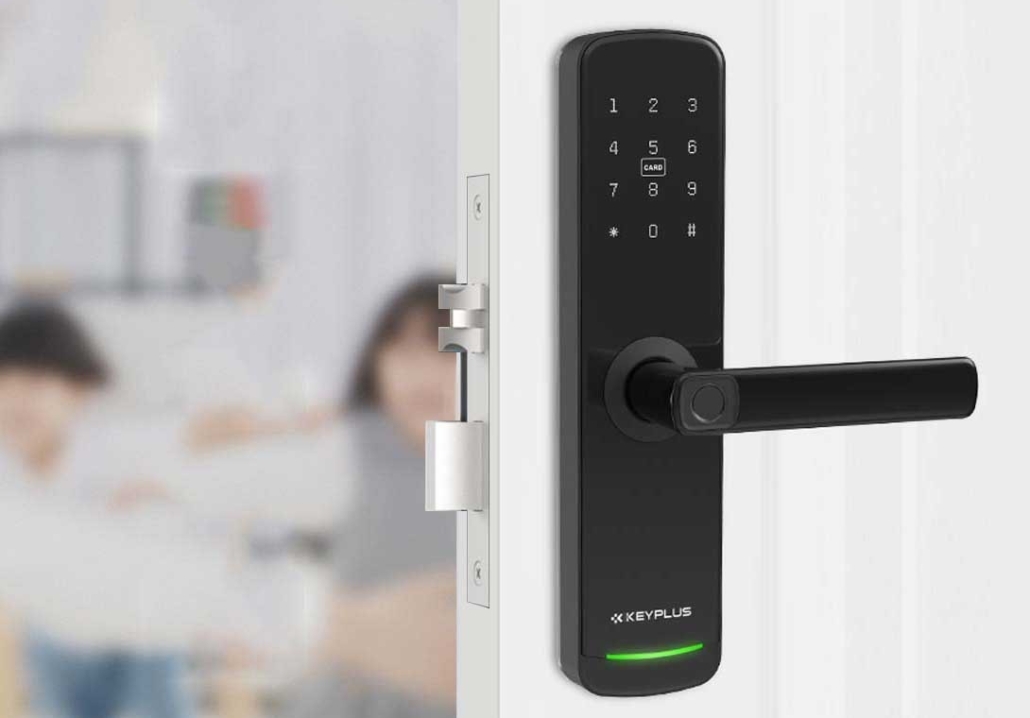
Keyless locks are becoming increasingly popular due to their convenience, security, and modern design. Unlike traditional locks that require physical keys, keyless locks use PIN codes, fingerprints, smartphone apps, or RFID cards for access. If you’re new to keyless entry systems, this guide will walk you through everything you need to know—from setup to daily use and troubleshooting.
Why Choose a Keyless Lock?
Before learning how to use a keyless lock, it’s helpful to understand its benefits:
-
No More Lost Keys – Forget about getting locked out because you misplaced your keys.
-
Enhanced Security – Many keyless locks offer encryption and tamper-proof designs.
-
Remote Access – Some models allow you to lock/unlock doors via smartphone.
-
Easy Access for Guests – Share temporary codes instead of physical keys.
-
Modern Convenience – No fumbling with keys when your hands are full.
Now, let’s explore how to install, set up, and use a keyless lock effectively.
Step 1: Installing the Keyless Lock
Most keyless locks are designed for easy DIY installation. Here’s a general process (always refer to the manufacturer’s instructions for your specific model).
Tools You May Need:
-
Screwdriver
-
Measuring tape
-
Drill (if required)
-
The included mounting hardware
Installation Steps:
-
Remove the Old Lock – Unscrew and detach the existing deadbolt and handle.
-
Prepare the Door – Ensure the door edge is properly aligned for the new lock.
-
Install the Deadbolt – Insert the keyless deadbolt mechanism into the door.
-
Attach the Exterior Panel – Secure the keypad or smart lock exterior.
-
Mount the Interior Panel – Connect the battery compartment and internal mechanism.
-
Test the Lock – Before finalizing, check if the lock engages smoothly.
Step 2: Setting Up Your Keyless Lock
After installation, you’ll need to program your lock. The exact steps vary by model, but here’s a general guideline.
A. Setting a PIN Code (Most Common Method)
-
Enter Programming Mode – Usually by pressing a specific button (e.g., “Program” or “Setup”).
-
Choose a Master Code – This is your primary access code (4-8 digits).
-
Add Additional Codes – Useful for family members or guests.
-
Confirm and Save – Exit programming mode to activate the codes.
B. Connecting to a Smartphone (For Smart Locks)
-
Download the App – Most smart locks have a companion app.
-
Enable Bluetooth/Wi-Fi – Follow in-app instructions to sync the lock.
-
Set Up Remote Access – Adjust settings like auto-lock and notifications.
C. Registering Fingerprints (For Biometric Locks)
-
Access the Biometric Menu – Often through a settings button.
-
Scan Your Fingerprint – Follow prompts to register multiple angles.
-
Test the Scan – Ensure quick and accurate recognition.
Step 3: Using Your Keyless Lock Daily
Now that your lock is set up, here’s how to use it efficiently.
Unlocking Methods:
-
PIN Code Entry
-
Enter your code on the keypad.
-
Some locks require pressing “#” or “✓” to confirm.
-
The door should unlock automatically or with a manual turn.
-
-
Smartphone Control
-
Open the lock’s app.
-
Tap “Unlock” (may require Bluetooth proximity).
-
-
Fingerprint Scan
-
Place your registered finger on the scanner.
-
Wait for a beep or light confirmation before turning the handle.
-
-
RFID Card/Key Fob
-
Hold the card near the designated sensor area.
-
The lock will disengage upon recognition.
-
Locking the Door:
-
Automatic Locking – Some locks engage after a set time (e.g., 30 seconds).
-
Manual Locking – Press the “Lock” button or turn the interior knob.
-
Voice Command – If integrated with Alexa/Google Assistant, say, “Lock the front door.”
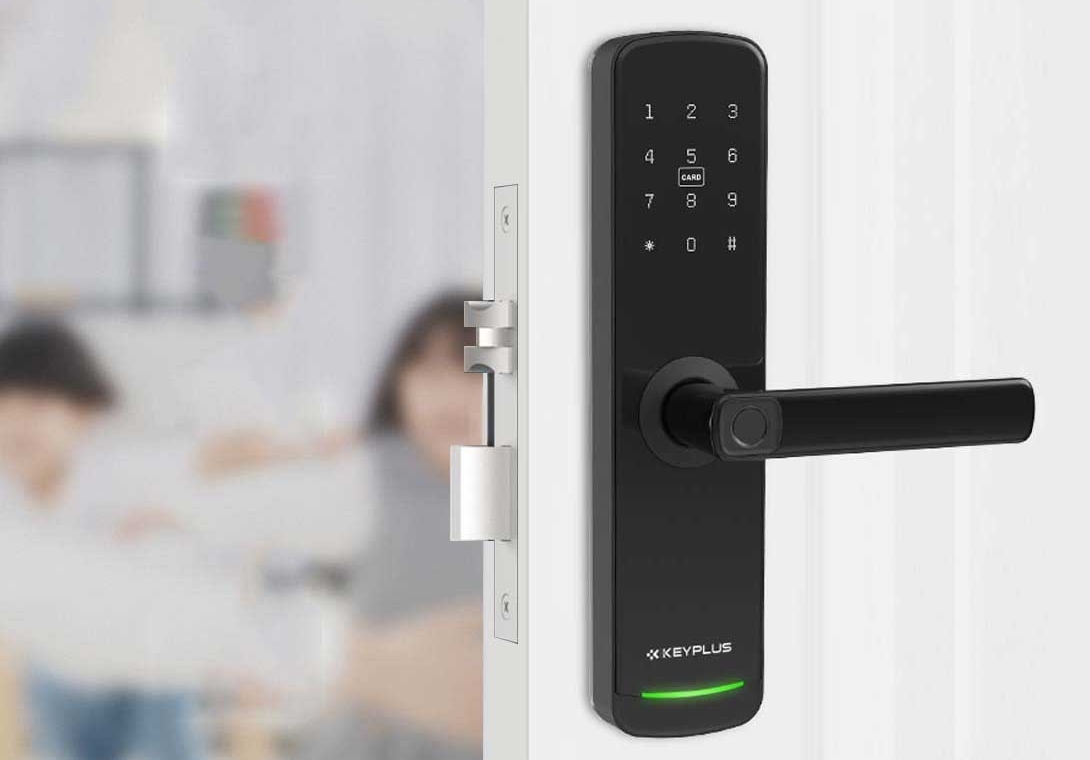
Step 4: Managing Access for Others
One of the best features of keyless locks is granting temporary or permanent access to others.
For Guests:
-
Create a Temporary PIN – Set a code that expires after a certain time.
For Family/Housemates:
-
Assign unique codes to track who enters and when.
Revoking Access:
-
Delete old codes or disable lost RFID cards in the app.
Step 5: Troubleshooting Common Issues
Even the best keyless locks may encounter occasional problems. Here’s how to fix them.
Problem: The Lock Won’t Open
-
Dead Batteries – Replace them (most locks warn you in advance).
-
Forgotten PIN – Use a backup key (if available) or reset via the app.
-
Frozen Keypad – Warm it gently with your hands in cold weather.
Problem: Connectivity Issues (Smart Locks)
-
Check Wi-Fi/Bluetooth – Ensure your phone is in range.
-
Restart the Lock – Remove and reinsert batteries.
Problem: Fingerprint Not Recognized
-
Clean the scanner and re-register your fingerprint.
Security Tips for Keyless Locks
While keyless locks are secure, follow these best practices:
-
Avoid Simple Codes – Don’t use “1234” or your birth year.
-
Regularly Update Software – Smart locks may receive security patches.
-
Disable Unused Codes – Remove old guest PINs.
-
Have a Backup Entry Method – Keep a physical key or secondary code.
Conclusion
Keyless locks offer a seamless blend of security and convenience. By following this guide, you can install, set up, and use your keyless lock with confidence. Whether you prefer a PIN, fingerprint, or smartphone control, these modern locks eliminate the hassle of traditional keys while keeping your home safe.
Ready to upgrade? Choose a reputable brand, follow the instructions carefully, and enjoy key-free living!
Related Blog
 https://www.keyplusystem.com/wp-content/uploads/2026/10/image-20261010-080119085.png
1024
1536
Wu, Wendy
/wp-content/uploads/2023/05/logo.png
Wu, Wendy2026-10-10 06:01:302026-10-10 06:01:31Driving Hotel Efficiency with Advanced Digital Door Locks: The Ultimate B2B Guide
https://www.keyplusystem.com/wp-content/uploads/2026/10/image-20261010-080119085.png
1024
1536
Wu, Wendy
/wp-content/uploads/2023/05/logo.png
Wu, Wendy2026-10-10 06:01:302026-10-10 06:01:31Driving Hotel Efficiency with Advanced Digital Door Locks: The Ultimate B2B Guide https://www.keyplusystem.com/wp-content/uploads/2026/10/image-20261010-000134148.png
1024
1536
Wu, Wendy
/wp-content/uploads/2023/05/logo.png
Wu, Wendy2026-10-09 22:01:442026-10-09 22:01:46Revolutionizing Hotel Security: RFID Key Cards and AIoT Smart Lock Solutions by KEYPLUS
https://www.keyplusystem.com/wp-content/uploads/2026/10/image-20261010-000134148.png
1024
1536
Wu, Wendy
/wp-content/uploads/2023/05/logo.png
Wu, Wendy2026-10-09 22:01:442026-10-09 22:01:46Revolutionizing Hotel Security: RFID Key Cards and AIoT Smart Lock Solutions by KEYPLUS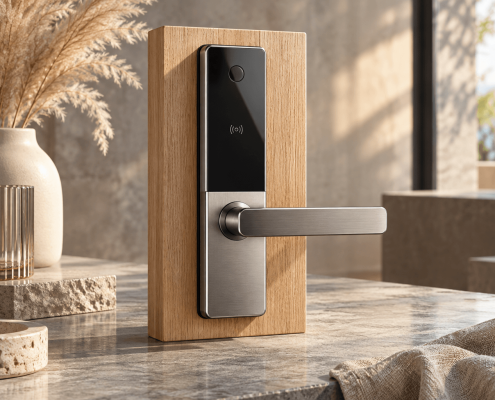 https://www.keyplusystem.com/wp-content/uploads/2026/10/image-20261009-160126393.png
1024
1536
Wu, Wendy
/wp-content/uploads/2023/05/logo.png
Wu, Wendy2026-10-09 14:01:362026-10-09 14:01:38The Future of Hospitality: Wireless Hotel Lock Systems Powered by KEYPLUS
https://www.keyplusystem.com/wp-content/uploads/2026/10/image-20261009-160126393.png
1024
1536
Wu, Wendy
/wp-content/uploads/2023/05/logo.png
Wu, Wendy2026-10-09 14:01:362026-10-09 14:01:38The Future of Hospitality: Wireless Hotel Lock Systems Powered by KEYPLUS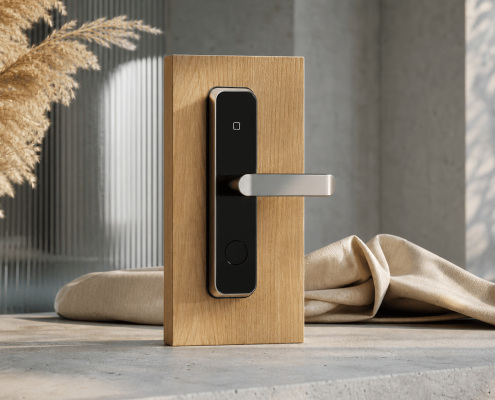 https://www.keyplusystem.com/wp-content/uploads/2026/10/image-20261009-080202455.png
1024
1536
Wu, Wendy
/wp-content/uploads/2023/05/logo.png
Wu, Wendy2026-10-09 06:02:152026-10-09 06:02:17Revolutionizing Hotel Security: The Future of Smart Locks for Hospitality Spaces
https://www.keyplusystem.com/wp-content/uploads/2026/10/image-20261009-080202455.png
1024
1536
Wu, Wendy
/wp-content/uploads/2023/05/logo.png
Wu, Wendy2026-10-09 06:02:152026-10-09 06:02:17Revolutionizing Hotel Security: The Future of Smart Locks for Hospitality Spaces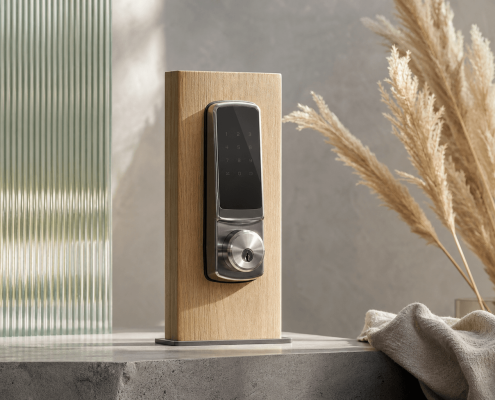 https://www.keyplusystem.com/wp-content/uploads/2026/10/image-20261009-000116876.png
1024
1536
Wu, Wendy
/wp-content/uploads/2023/05/logo.png
Wu, Wendy2026-10-08 22:01:272026-10-08 22:01:29Revolutionizing Hotel Room Security: How Smart Locks Enhance Guest Safety and Operational Efficiency
https://www.keyplusystem.com/wp-content/uploads/2026/10/image-20261009-000116876.png
1024
1536
Wu, Wendy
/wp-content/uploads/2023/05/logo.png
Wu, Wendy2026-10-08 22:01:272026-10-08 22:01:29Revolutionizing Hotel Room Security: How Smart Locks Enhance Guest Safety and Operational Efficiency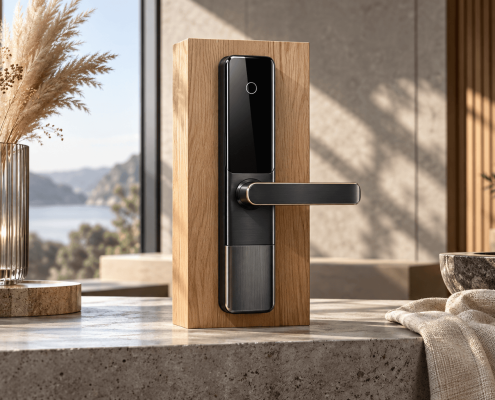 https://www.keyplusystem.com/wp-content/uploads/2026/10/image-20261008-080144553.png
1024
1536
Wu, Wendy
/wp-content/uploads/2023/05/logo.png
Wu, Wendy2026-10-08 06:01:552026-10-08 06:01:57Why Portable Locks are a Game-Changer for Modern Hotel Room Security
https://www.keyplusystem.com/wp-content/uploads/2026/10/image-20261008-080144553.png
1024
1536
Wu, Wendy
/wp-content/uploads/2023/05/logo.png
Wu, Wendy2026-10-08 06:01:552026-10-08 06:01:57Why Portable Locks are a Game-Changer for Modern Hotel Room Security
