
Hotel Room Security: Smart Locks and Guest Access Control
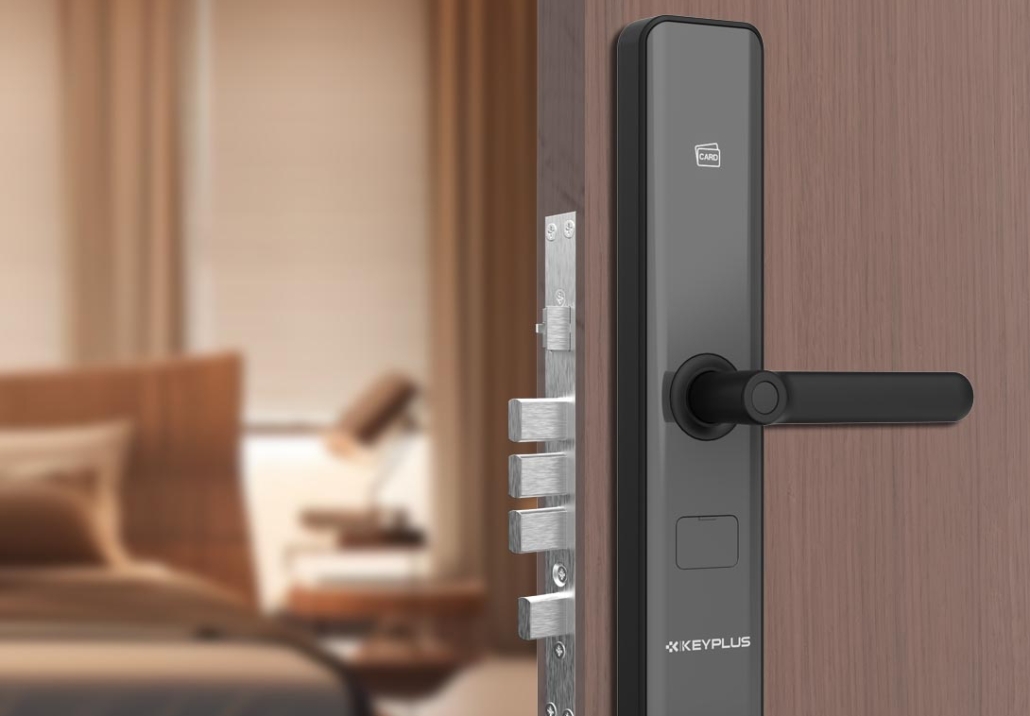
Hotel room security combines a door that closes correctly with controlled guest access, managed staff access and a clear response to lost cards. Smart locks support these tasks through electronic permissions and access records. Their value depends on how the hardware and the hotel’s daily procedures work together.
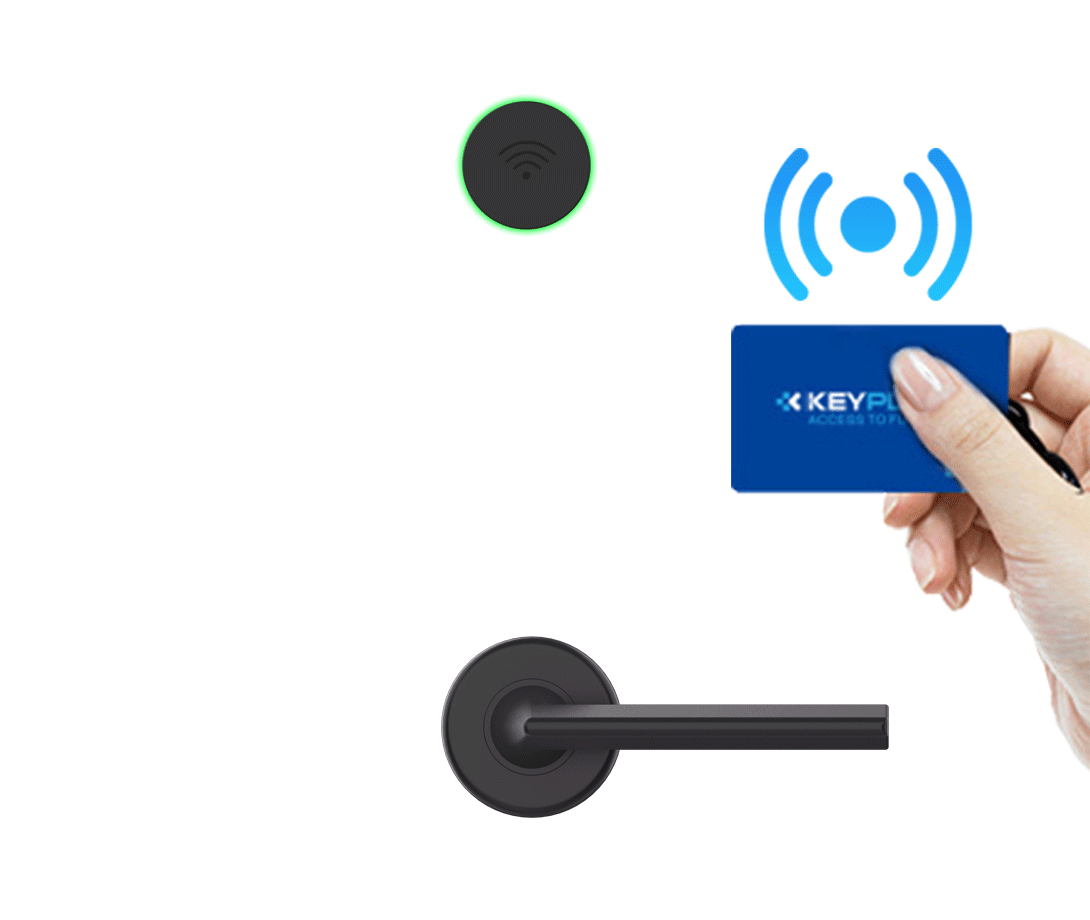
KEYPLUS standard hotel locks use M1 RFID guest cards in an offline configuration. Connected management, mobile keys and PMS integration are separate project choices. For hotel operators, the starting point is the access policy at each guest-room door.
How Smart Locks Support Hotel Room Security
An electronic lock gives the hotel a way to manage who can enter and when their permission ends. The physical door assembly still has to close and latch reliably. These two parts of security need to be managed together.
- Physical closure: the lock case, strike, door and frame must align so that closing the door engages the locking mechanism.
- Access permissions: guest and staff credentials serve different purposes and should follow the hotel’s access policy.
- Operational follow-up: lost-card handling, access-record collection and battery replacement keep the system useful after installation.
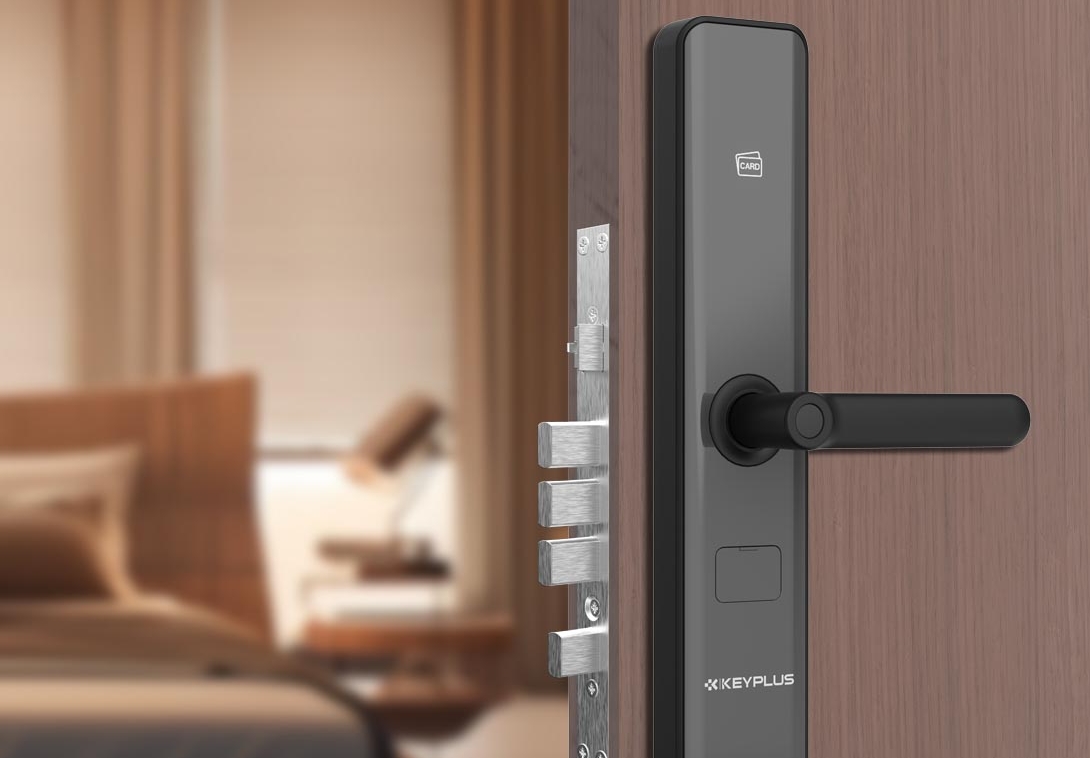
The KEYPLUS hotel lock collection offers different panel designs for project selection. Panel design, mortise and electronic version are selected together to suit the property’s doors and operating workflow.
Control Guest Access from Check-in to Checkout
Guest access should follow the stay. In the standard KEYPLUS offline M1 system, the room and validity period are programmed when the card is issued. The lock checks the card locally, and access ends at the programmed checkout time without a live network connection to reception.
When a guest extends a stay, card validity is updated through the lock-management workflow alongside the reservation record. In an offline installation, changes reach the door through the supported card or equipment process rather than a live reception connection.
| Event | What happens at the door | Hotel operating procedure |
|---|---|---|
| Card presented during its valid stay | The lock validates the issued room-access credential locally. | Issue the correct room and validity period at reception. |
| Programmed checkout time reached | The expired guest card is no longer valid. | Align the issued validity period with the authorized stay. |
| Guest reports a lost card | A software cancellation alone does not update an offline lock. | Synchronize the affected lock using the replacement or cancellation card, or a handheld collector. |
| Access records needed for an incident | Offline events remain in the lock’s local cyclic storage until overwritten. | Collect relevant records promptly through the supported collection method. |
Lost-Card Updates at Offline Doors
For an offline lock, the lost-card procedure is complete only after the affected door has been updated. Reception and the staff member handling the update need a clear handover so that a software cancellation is followed through at the door.
The hotel lock management system provides the reception and equipment context for this workflow.
Separate Staff Access from Guest Credentials
A guest needs access for a stay; housekeeping, maintenance and management have different responsibilities. Staff credentials should be assigned under the hotel’s policy and reviewed when duties change or a credential is lost.
Recording credential issuing, changes and the staff member assigned to each credential supports later investigation. This helps connect a lock event with an authorized task. The hotel’s procedures should also define custody of emergency mechanical keys.
Door Closure and Door-Ajar Detection
Electronic permission and physical closure answer different questions. A successful card read authorizes entry; it does not prove that the door subsequently shut and latched. Door alignment, the strike and the closing arrangement remain part of the maintenance routine.
Door-ajar detection requires a suitable door sensor or supported mortise switch and the corresponding configuration. It is selected separately from standard card access. Low-battery reminders address power maintenance rather than door position.
On fire-door projects, the lock, mortise and door configuration are assessed together, with documentation applicable to the specified assembly. Hotel door lock selection covers the mechanical selection considerations in more detail.
What Changes with Mobile Keys and PMS Integration?
Mobile keys change the guest’s credential; PMS integration connects management workflows. They are related project options, not automatic features of every RFID lock. A hotel can operate a reception-issued M1 card system without making guests use a phone.
For KEYPLUS projects, mobile access and third-party PMS integration depend on the selected electronic version, management platform and supported interfaces. Hardware integration and workflow development are defined for the proposed solution. The included hotel lock management software remains distinct from a full property-management platform.
A defined integration workflow identifies where the stay is managed, where credentials are issued and how a change reaches the room lock. That last step differs between offline doors and the selected networked configuration.
Maintain Access Records, Batteries and Emergency Entry
Access records help reconstruct activity at a door, but a record alone does not explain the reason for an entry. Reviewing lock events alongside authorized staff activity and reception records gives the hotel more useful context.
In the offline system, records are collected with supported equipment and exported to a computer. Local storage is cyclic, so older entries can be overwritten. Prompt collection preserves the available events for review after a reported incident.
Low-battery reminders should lead to timely battery replacement. The emergency entry method belongs to the selected lock configuration, and authorized staff need a controlled way to use it. For the distinction between battery operation and building power, see electronic door lock power and emergency access.
Keep Guest Access Consistent across Hotel Chain Projects
A chain can standardize its issuing, lost-card and maintenance procedures while selecting hardware to suit each property’s doors. Consistent model and electronic-version records help teams distinguish a change in appearance from a change in system behavior.
A chain’s rollout plan can distinguish standard card access from property-specific networking and software integration. KEYPLUS provides hotel lock hardware, supporting equipment and project-based system development. Hotel project applications connect these choices with the wider property requirements.
Hotel Room Security and Smart Lock FAQs
What keyless entry and digital key solutions do hotels use?
Hotels may use RFID guest cards or a selected mobile-key solution. KEYPLUS standard hotel locks use M1 cards. Mobile entry requires a compatible lock version and platform and is defined separately for the project.
Which hotel smart locks integrate with a property management system?
PMS integration depends on the selected lock-management platform and supported interfaces. KEYPLUS provides project-specific integration development. A connection to a named PMS is confirmed for the proposed solution rather than assumed across all locks.
Does an offline hotel lock stop accepting a lost card immediately?
No. Cancelling a lost card in reception software alone does not update an offline door. A replacement card, cancellation card or handheld collector must synchronize the affected lock before the lost card is rejected. Programmed checkout expiry is handled locally at the door.
Do standard KEYPLUS hotel room locks need Wi-Fi at the door?
The standard M1 hotel configuration operates offline. The lock validates the issued card locally, so normal card entry does not require a live Wi-Fi connection at the door. Networked management is a separate configuration.
Plan Your Hotel Guest-Room Access
Discuss room-door hardware, guest-card management and project integration with KEYPLUS.

