
How Long Do Smart Door Locks Last?
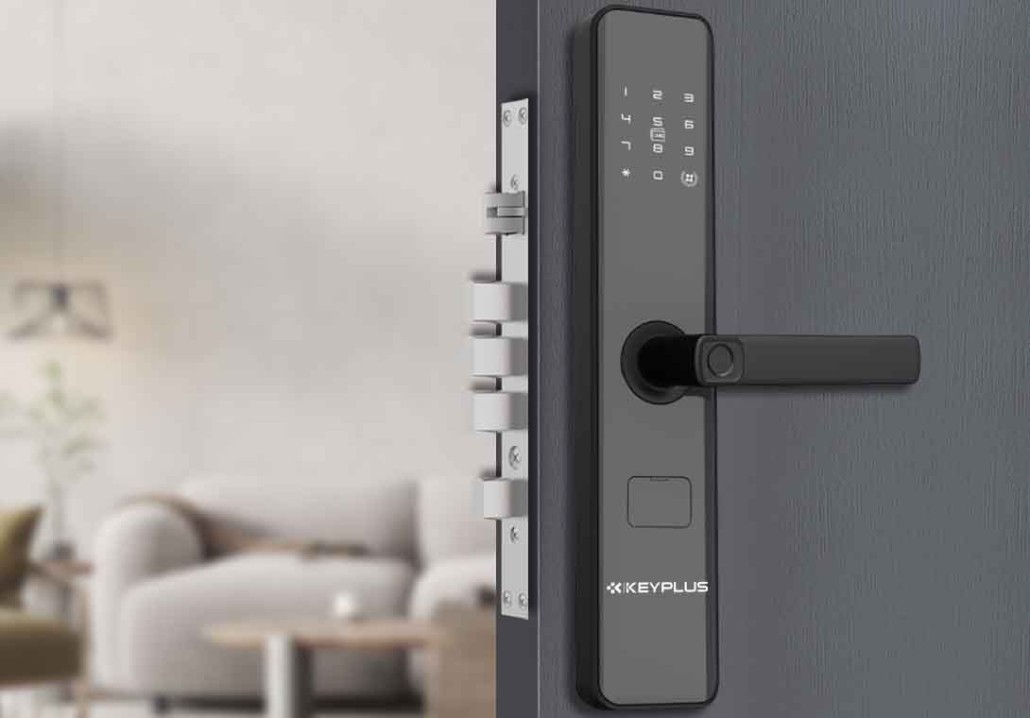
Smart door locks are a game-changer for modern homes, offering keyless entry, remote access, and seamless smart home integration. But before investing in one, a critical question arises: How long do smart door locks last?
Unlike traditional deadbolts that can last decades with minimal maintenance, smart locks have both electronic and mechanical components, affecting their lifespan. In this guide, we’ll break down:
Average lifespan of smart locks
Factors that impact durability
How to extend your lock’s longevity
When to replace your smart lock
By the end, you’ll know whether a smart lock is a long-term investment or requires frequent upgrades.
1. How Long Do Smart Door Locks Typically Last?
Most high-quality smart locks last between 5 to 10 years, depending on usage, brand, and maintenance. Here’s a breakdown:
| Component | Expected Lifespan |
|---|---|
| Mechanical parts (bolt, latch, etc.) | 7–15 years (similar to traditional locks) |
| Electronic components (motor, circuit board, Wi-Fi module) | 5–10 years |
| Battery life (for battery-powered models) | 6 months–2 years per set |
Key Factors That Affect Lifespan:
Build quality (cheap locks fail faster)
Frequency of use (high-traffic doors wear out quicker)
Weather exposure (extreme heat/cold damages electronics)
Battery maintenance (corrosion from old batteries can ruin contacts)
2. Do Smart Locks Wear Out Faster Than Traditional Locks?
Yes, but not drastically. Traditional locks can last 20+ years because they have no electronic parts. Smart locks, however, combine mechanical durability with tech that can become outdated or fail.
Why Smart Locks May Not Last as Long:
-
Electronics degrade (Wi-Fi/Bluetooth modules can stop working).
-
Software becomes obsolete (older models may lose app support).
-
Motorized mechanisms wear out (auto-locking/unlocking adds moving parts).
However, brands like Schlage, Yale, and August are known for long-lasting builds, often outlasting budget models by years.
3. What’s the First Thing to Fail in a Smart Lock?
The weakest points in most smart locks are:
A. Batteries & Power Issues
-
Dead batteries are the #1 reason for smart lock failures.
-
Corroded battery contacts can permanently damage the lock.
Fix: Use lithium batteries (last longer, handle extreme temps better).
B. Wi-Fi/Bluetooth Connectivity Problems
-
Older locks may lose compatibility with new phone updates.
-
Weak signals cause malfunctions.
Fix: Choose Zigbee or Z-Wave locks (more reliable than Wi-Fi/Bluetooth).
C. Motor or Actuator Failure
-
The motor that moves the bolt can wear out after thousands of cycles.
Fix: Opt for manual-turn models to reduce motor strain.
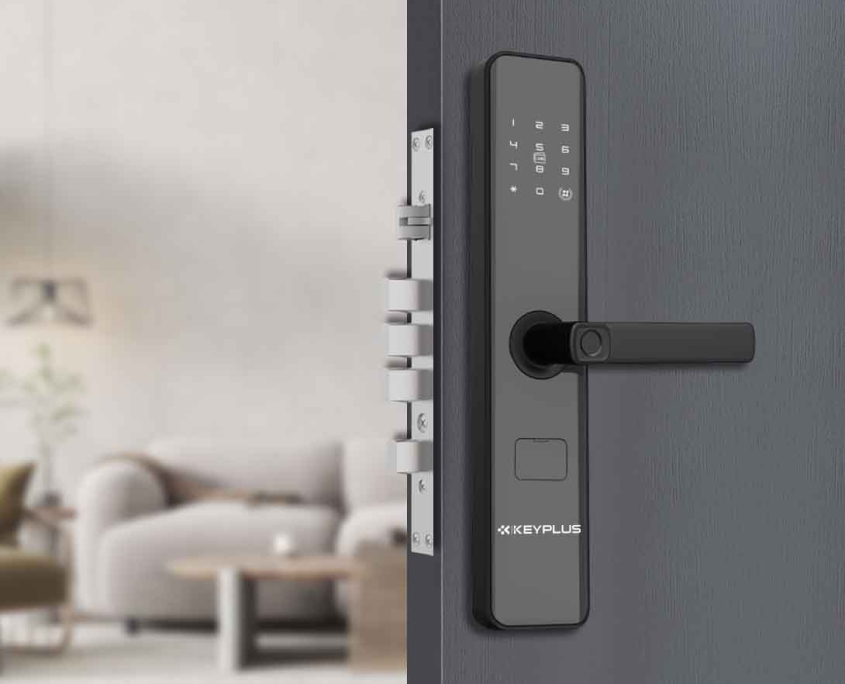
4. How to Extend the Life of Your Smart Lock
Maintenance Tips for Longevity
Replace batteries early (don’t wait for full drain).
Clean the keypad & sensors (dirt can cause misreads).
Update firmware regularly (prevents software failures).
Weatherproof outdoor locks (use a cover to block rain/snow).
Smart Buying Choices for Durability
Choose reputable brands.
Look for solid metal construction (avoid flimsy plastic).
Pick a lock with a physical key backup (in case electronics fail).
5. When Should You Replace Your Smart Lock?
Watch for these warning signs:
Frequent disconnections (Wi-Fi/Bluetooth keeps dropping).
Slow or unresponsive keypad/fingerprint sensor.
Strange noises (grinding, clicking = motor issues).
Outdated software (no more app updates).
If your lock is over 7 years old, consider upgrading to a newer model with better security features.
6. Are Smart Locks a Long-Term Investment?
Yes, but with caveats. A well-maintained, high-end smart lock can last 7–10 years, while cheaper models may fail in 3–5 years.
Cost vs. Longevity Comparison
| Lock Type | Avg. Lifespan | Avg. Cost |
|---|---|---|
| Budget Smart Lock | 3–5 years | 100–200 |
| Premium Smart Lock | 7–10 years | 250–500 |
| Traditional Deadbolt | 15–25 years | 20–100 |
Final Verdict:
-
If you want max durability, stick with a traditional lock.
-
If you value smart features, invest in a high-quality smart lock and maintain it well.
Conclusion: Make Your Smart Lock Last
Smart door locks won’t last forever, but with proper care, they can serve you well for 5–10 years. To maximize lifespan:
Buy from trusted brands
Perform regular maintenance
Upgrade when tech becomes outdated
Frequently asked questions:Do Smart Locks Work Without Wi-Fi?
Would you choose a long-lasting traditional lock or a feature-rich smart lock? Let us know in the comments!
Related Blog
 https://www.keyplusystem.com/wp-content/uploads/2026/10/image-20261010-080119085.png
1024
1536
Wu, Wendy
/wp-content/uploads/2023/05/logo.png
Wu, Wendy2026-10-10 06:01:302026-10-10 06:01:31Driving Hotel Efficiency with Advanced Digital Door Locks: The Ultimate B2B Guide
https://www.keyplusystem.com/wp-content/uploads/2026/10/image-20261010-080119085.png
1024
1536
Wu, Wendy
/wp-content/uploads/2023/05/logo.png
Wu, Wendy2026-10-10 06:01:302026-10-10 06:01:31Driving Hotel Efficiency with Advanced Digital Door Locks: The Ultimate B2B Guide https://www.keyplusystem.com/wp-content/uploads/2026/10/image-20261010-000134148.png
1024
1536
Wu, Wendy
/wp-content/uploads/2023/05/logo.png
Wu, Wendy2026-10-09 22:01:442026-10-09 22:01:46Revolutionizing Hotel Security: RFID Key Cards and AIoT Smart Lock Solutions by KEYPLUS
https://www.keyplusystem.com/wp-content/uploads/2026/10/image-20261010-000134148.png
1024
1536
Wu, Wendy
/wp-content/uploads/2023/05/logo.png
Wu, Wendy2026-10-09 22:01:442026-10-09 22:01:46Revolutionizing Hotel Security: RFID Key Cards and AIoT Smart Lock Solutions by KEYPLUS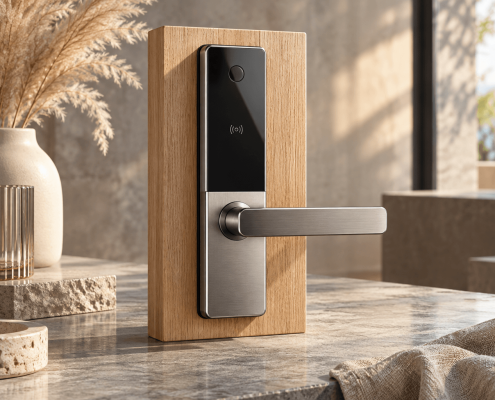 https://www.keyplusystem.com/wp-content/uploads/2026/10/image-20261009-160126393.png
1024
1536
Wu, Wendy
/wp-content/uploads/2023/05/logo.png
Wu, Wendy2026-10-09 14:01:362026-10-09 14:01:38The Future of Hospitality: Wireless Hotel Lock Systems Powered by KEYPLUS
https://www.keyplusystem.com/wp-content/uploads/2026/10/image-20261009-160126393.png
1024
1536
Wu, Wendy
/wp-content/uploads/2023/05/logo.png
Wu, Wendy2026-10-09 14:01:362026-10-09 14:01:38The Future of Hospitality: Wireless Hotel Lock Systems Powered by KEYPLUS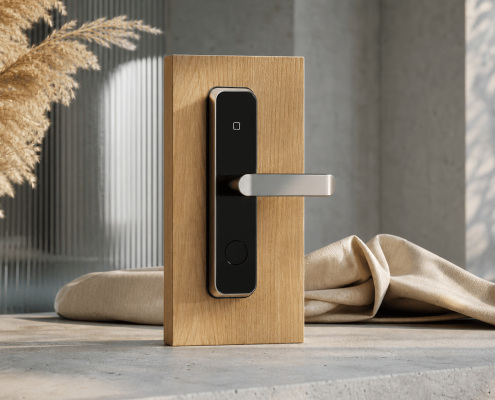 https://www.keyplusystem.com/wp-content/uploads/2026/10/image-20261009-080202455.png
1024
1536
Wu, Wendy
/wp-content/uploads/2023/05/logo.png
Wu, Wendy2026-10-09 06:02:152026-10-09 06:02:17Revolutionizing Hotel Security: The Future of Smart Locks for Hospitality Spaces
https://www.keyplusystem.com/wp-content/uploads/2026/10/image-20261009-080202455.png
1024
1536
Wu, Wendy
/wp-content/uploads/2023/05/logo.png
Wu, Wendy2026-10-09 06:02:152026-10-09 06:02:17Revolutionizing Hotel Security: The Future of Smart Locks for Hospitality Spaces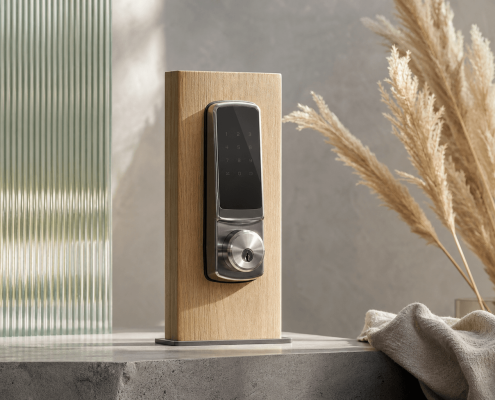 https://www.keyplusystem.com/wp-content/uploads/2026/10/image-20261009-000116876.png
1024
1536
Wu, Wendy
/wp-content/uploads/2023/05/logo.png
Wu, Wendy2026-10-08 22:01:272026-10-08 22:01:29Revolutionizing Hotel Room Security: How Smart Locks Enhance Guest Safety and Operational Efficiency
https://www.keyplusystem.com/wp-content/uploads/2026/10/image-20261009-000116876.png
1024
1536
Wu, Wendy
/wp-content/uploads/2023/05/logo.png
Wu, Wendy2026-10-08 22:01:272026-10-08 22:01:29Revolutionizing Hotel Room Security: How Smart Locks Enhance Guest Safety and Operational Efficiency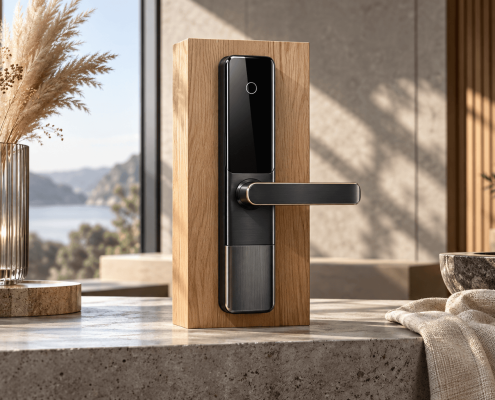 https://www.keyplusystem.com/wp-content/uploads/2026/10/image-20261008-080144553.png
1024
1536
Wu, Wendy
/wp-content/uploads/2023/05/logo.png
Wu, Wendy2026-10-08 06:01:552026-10-08 06:01:57Why Portable Locks are a Game-Changer for Modern Hotel Room Security
https://www.keyplusystem.com/wp-content/uploads/2026/10/image-20261008-080144553.png
1024
1536
Wu, Wendy
/wp-content/uploads/2023/05/logo.png
Wu, Wendy2026-10-08 06:01:552026-10-08 06:01:57Why Portable Locks are a Game-Changer for Modern Hotel Room Security
