Office and service areas
Office suites, meeting rooms and service spaces have different access needs. Suitable lock and credential choices help reflect the role of each area.
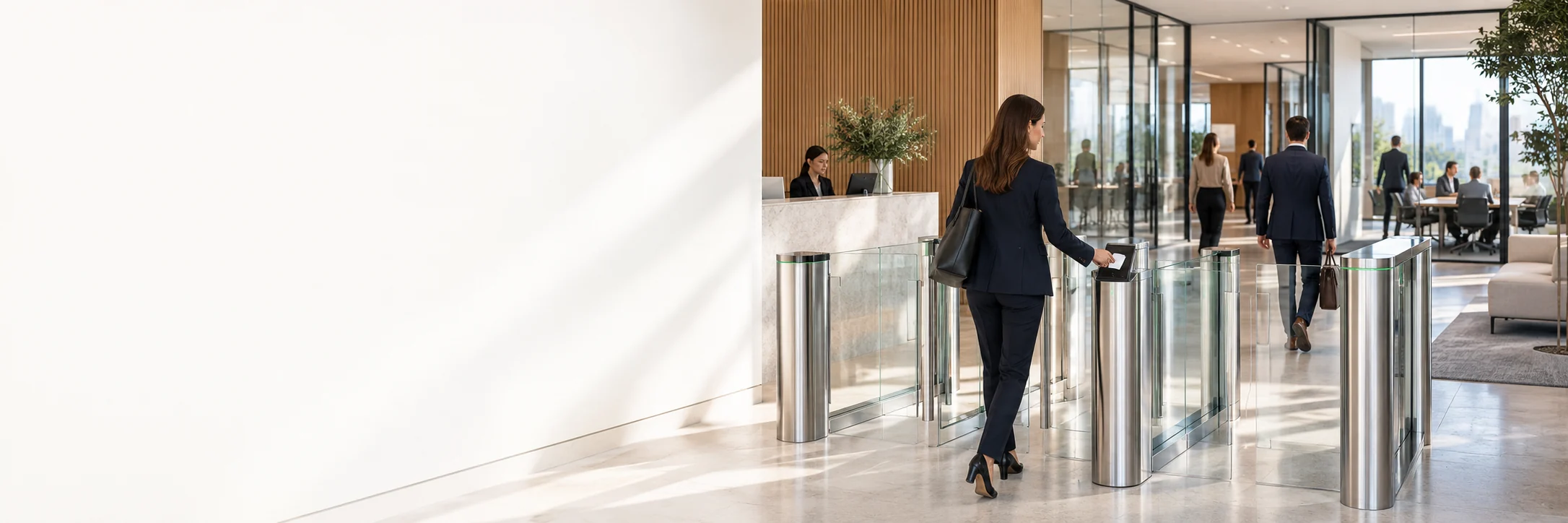
Smart-lock hardware for offices and managed commercial spaces.
KEYPLUS supplies smart-lock hardware for suitable office doors and managed commercial spaces. Selected T5 and T8 configurations combine slim lever designs with digital credentials and app options, bringing alternatives to conventional keys at individual openings.
Commercial properties also include shared entrances, restricted areas and other specialist access points. KEYPLUS supports hardware enquiries within this wider project context, with readers, controllers and building interfaces assessed separately from an individual smart lock.
Office suites, meeting rooms and service spaces have different access needs. Suitable lock and credential choices help reflect the role of each area.
Selected platform functions support different credential arrangements for staff and approved visitors. This provides an alternative to distributing the same permanent key to every user.
Compatible gateways add supported online functions to selected locks. Local entry and online management follow the capabilities of the hardware and access platform supplied.
Intercom, lift and property-platform connections form a separate integration scope. The individual lock offering remains clearly defined within a broader access project.
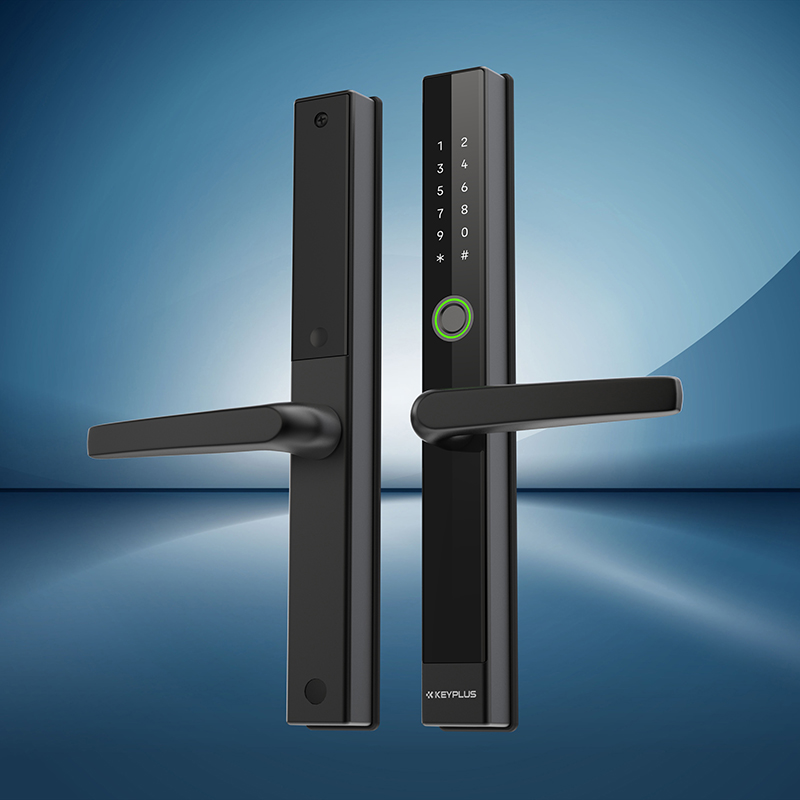
T5 and T8 offer slim lever-lock formats for compatible office openings. Each family has its own installation dimensions and selected ecosystem options for local and app-based access.
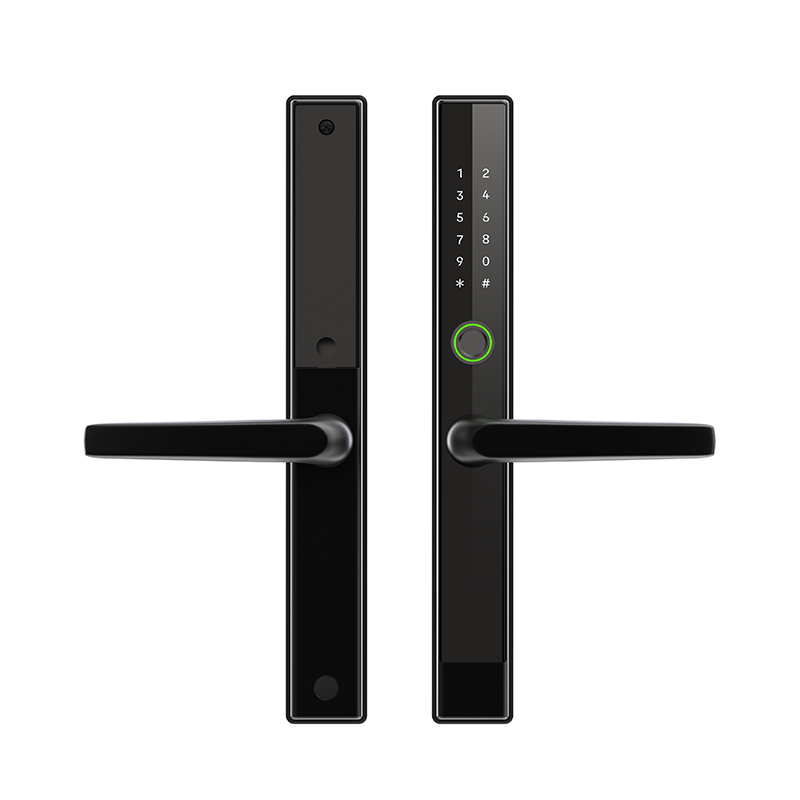
T5 combines a 40.9 mm wide panel with fingerprint, card and PIN entry. Tuya or TTLock app options and multiple mortise configurations support project selection.
View product details
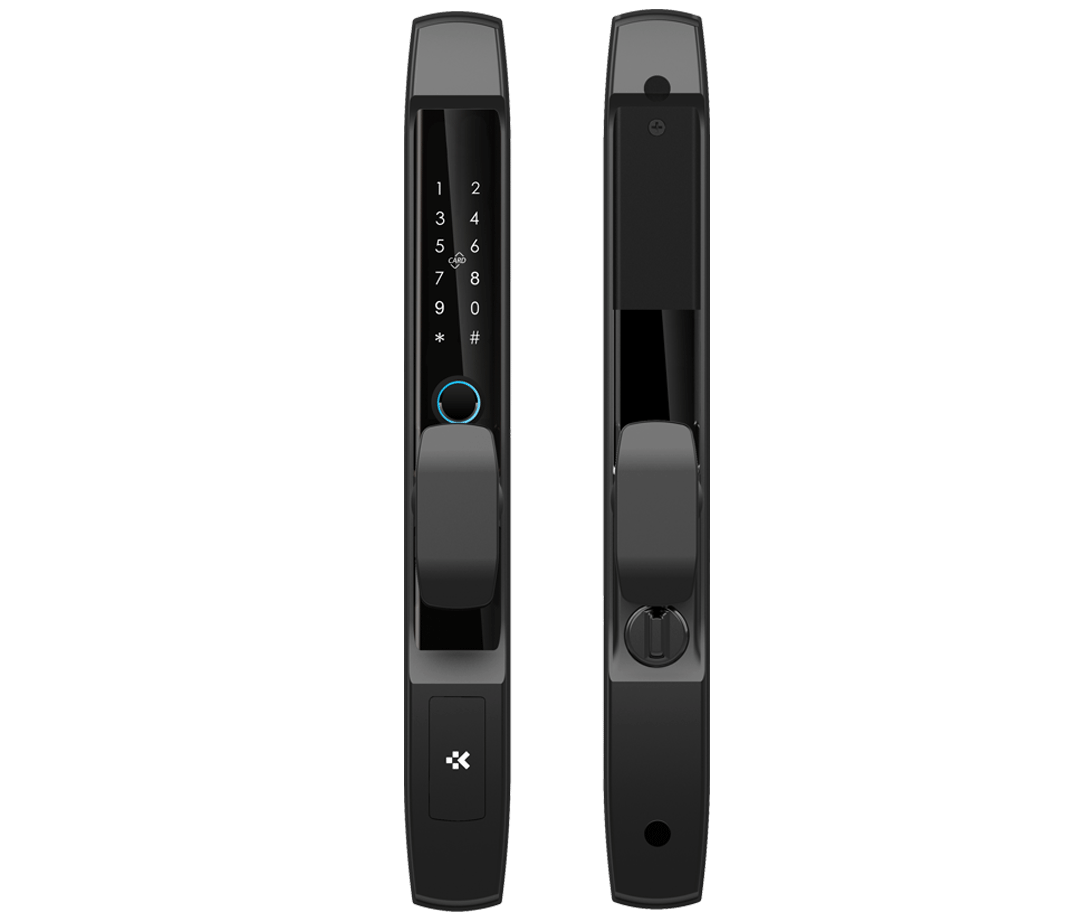
T8 offers a slim multi-access lever-lock format for suitable office suite doors. Selected versions combine local credentials with an app-based access experience.
View product details| Building area | Access requirement | Hardware and operating review |
|---|---|---|
| Office suite doors | Suitable smart-lock configurations | Door fit, user credentials and administrator ownership |
| Main entrances / shared zones | Readers, controllers or other engineered hardware as required | Traffic, egress, network and permission structure |
| Restricted / service areas | Hardware selected for the actual operational requirement | Emergency procedures, access review and record handling |

At an office entrance, a supported card, PIN or app credential can provide a convenient alternative to a conventional key. KEYPLUS slim-panel models bring digital entry to compatible office doors while maintaining a restrained appearance suited to the workplace.
We review the intended office openings and use to identify relevant smart-lock hardware and installation information.
The proposed access configuration reflects the staff, visitor and administrator functions available on the chosen platform.
Gateway and interface requirements are considered alongside the individual locks, with the supplied scope identified in the proposal.
Samples and product information support installation partners and facilities teams preparing for everyday operation and future hardware orders.
| Role | Reception | Office | Service |
|---|---|---|---|
| Visitor | — | — | |
| Office staff | — | ||
| Facilities |
Different workplace roles need access to different areas. The selected hardware and management platform provide the credential options available for staff, visitors and facilities teams.
Public reception areas, office rooms and service spaces can be considered as distinct parts of a commercial access project.
Supported credentials allow staff and temporary visitors to have different access arrangements on the chosen platform.
Individual smart locks, common-area hardware and optional interfaces have separate roles within the complete building solution.
An individual smart lock serves a compatible door. Shared entrances, lifts, turnstiles and emergency exits require their own hardware and system assessment.
T5 and T8 provide slim lever-lock formats with different installation configurations. Access methods and installation dimensions follow the chosen version.
Not always. Update timing depends on the credential, hardware and connection. A disconnected door may need a supported local synchronization procedure.
Potential integration depends on compatible interfaces, software versions and the required events. It is assessed separately from the individual lock configuration.
Egress, fire-door and accessibility requirements are part of the approved building design. Hardware selection for these openings needs review by the responsible project professionals.
Door types, user groups, quantities and preferred credentials help define the enquiry. Network, shared-area and interface requirements describe any wider building scope.
Explore KEYPLUS smart-lock options for office doors and managed commercial spaces. Our team can discuss T5 and T8 models, access configurations, samples and project quantities.
For a wider building project, include shared entrances or interface requirements in your enquiry so the hardware scope can be considered alongside the individual office locks.
Contact KEYPLUS directlyThis site uses cookies. By continuing to browse the site, you are agreeing to our use of cookies.
Accept settingsHide notification onlySettingsWe may request cookies to be set on your device. We use cookies to let us know when you visit our websites, how you interact with us, to enrich your user experience, and to customize your relationship with our website.
Click on the different category headings to find out more. You can also change some of your preferences. Note that blocking some types of cookies may impact your experience on our websites and the services we are able to offer.
These cookies are strictly necessary to provide you with services available through our website and to use some of its features.
Because these cookies are strictly necessary to deliver the website, refusing them will have impact how our site functions. You always can block or delete cookies by changing your browser settings and force blocking all cookies on this website. But this will always prompt you to accept/refuse cookies when revisiting our site.
We fully respect if you want to refuse cookies but to avoid asking you again and again kindly allow us to store a cookie for that. You are free to opt out any time or opt in for other cookies to get a better experience. If you refuse cookies we will remove all set cookies in our domain.
We provide you with a list of stored cookies on your computer in our domain so you can check what we stored. Due to security reasons we are not able to show or modify cookies from other domains. You can check these in your browser security settings.
We also use different external services like Google Webfonts, Google Maps, and external Video providers. Since these providers may collect personal data like your IP address we allow you to block them here. Please be aware that this might heavily reduce the functionality and appearance of our site. Changes will take effect once you reload the page.
Google Webfont Settings:
Google Map Settings:
Google reCaptcha Settings:
Vimeo and Youtube video embeds: