Resident entry
Selected fingerprint, PIN, card and app methods give residents choices for daily entry. Mechanical backup is available on relevant models for situations where an alternative is needed.
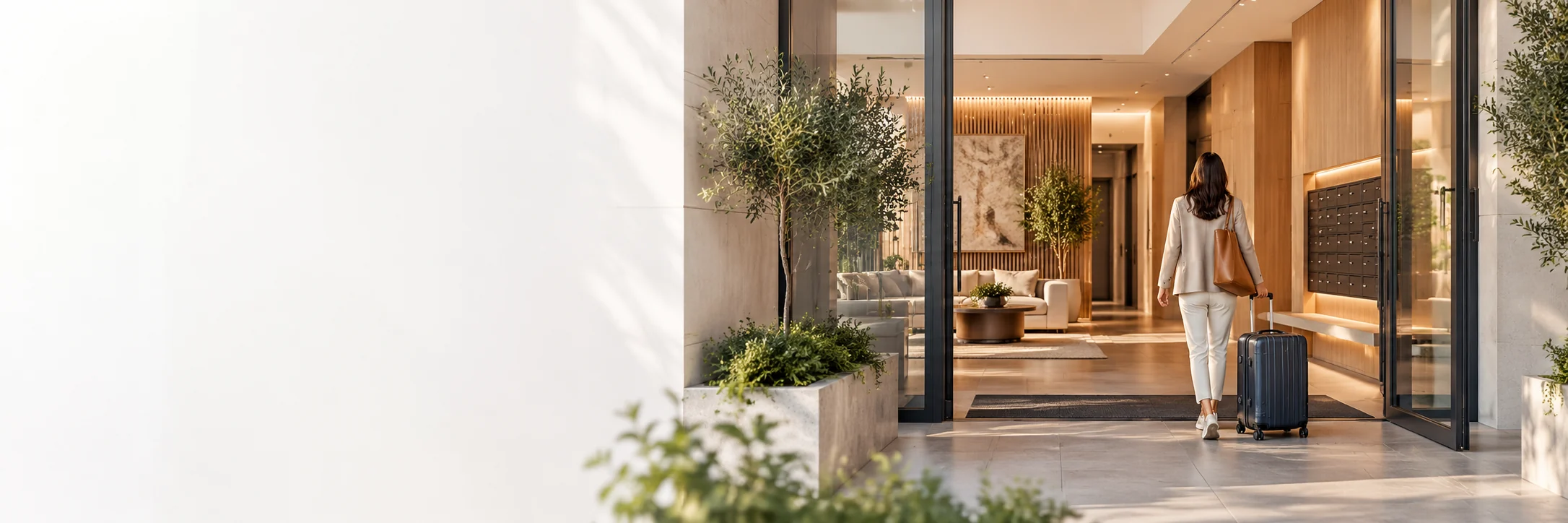
Make resident access easier to manage.
KEYPLUS apartment smart locks support everyday entry for long-term residents, short-stay guests and property teams. Selected T8, T5 and K7S configurations combine digital credentials with app options for compatible apartment doors.
Different users need different access experiences. Residents benefit from convenient local entry, guests may use supported temporary credentials, and property teams need a manageable handover between occupancies. The available functions depend on the selected lock and platform.
Selected fingerprint, PIN, card and app methods give residents choices for daily entry. Mechanical backup is available on relevant models for situations where an alternative is needed.
Supported timed credentials suit serviced apartments and rental stays. Available PIN and app workflows depend on the hardware and platform chosen for the property.
Temporary credential options can support approved maintenance and service visits without making a permanent resident credential the default access method.
Administrator and user arrangements on the selected platform provide a basis for managing apartment access, staff responsibilities and changes between tenancies.
T8, T5 and K7S offer different panel styles and connected-access configurations for apartment properties. The collection covers slim lever hardware and selected residential WiFi options.
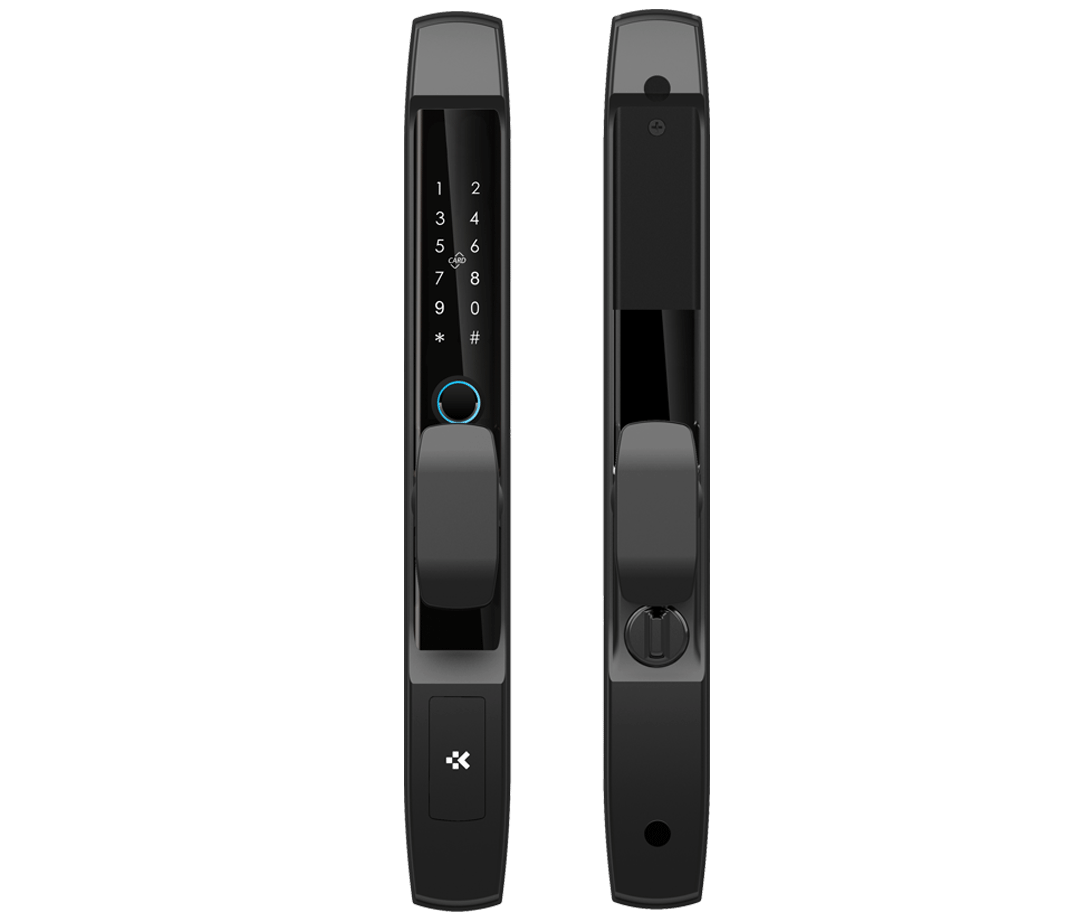
T8 offers a slim lever-lock format with selected app and local-credential options. It suits apartment access where residents and property teams need more than a conventional key.
View product details
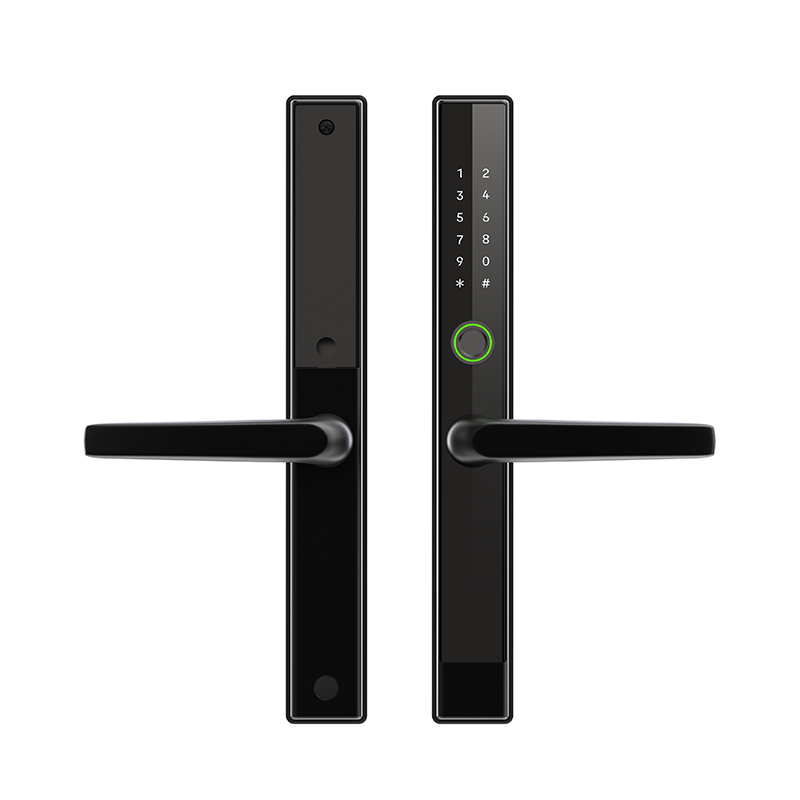
T5 combines a 40.9 mm wide panel with fingerprint, card and PIN entry. Tuya or TTLock app options and multiple mortise configurations support project selection.
View product details
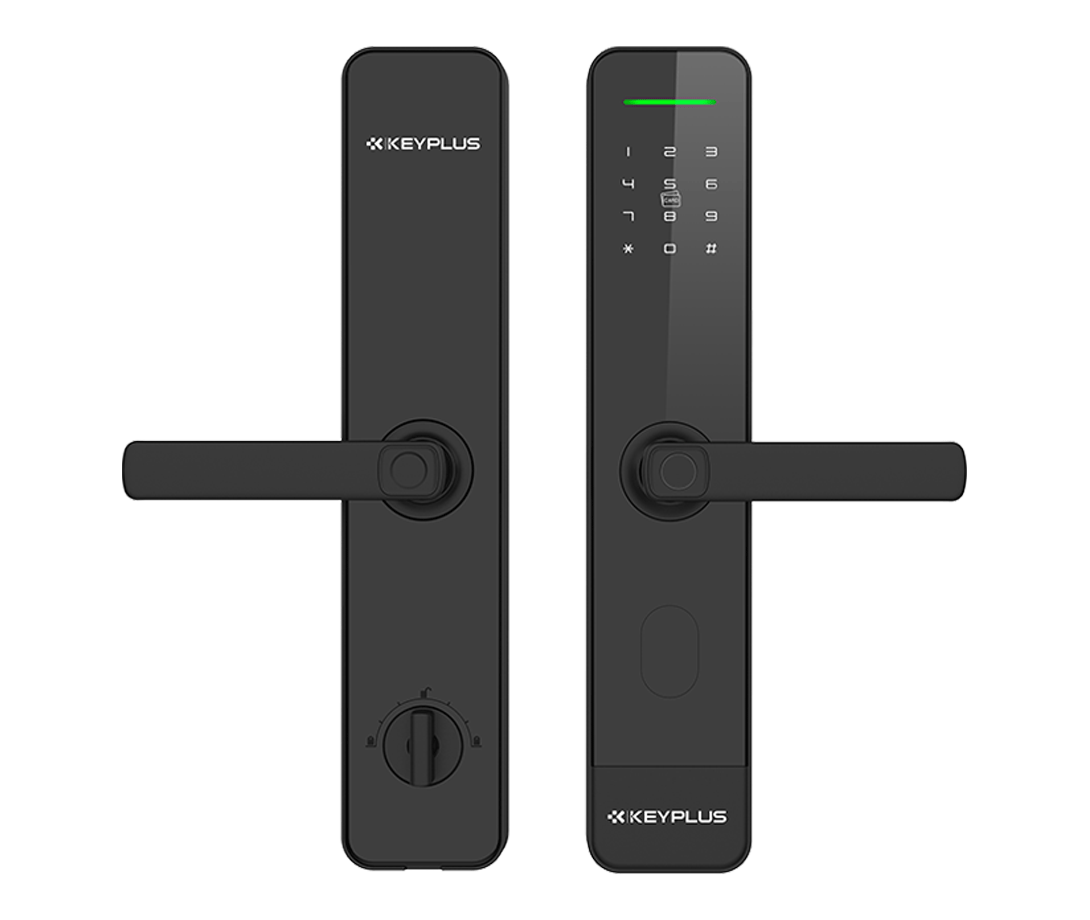
K7S brings a residential panel format and selected WiFi app options to apartment entry. Its access configuration provides another choice for connected households and rental accommodation.
View product details
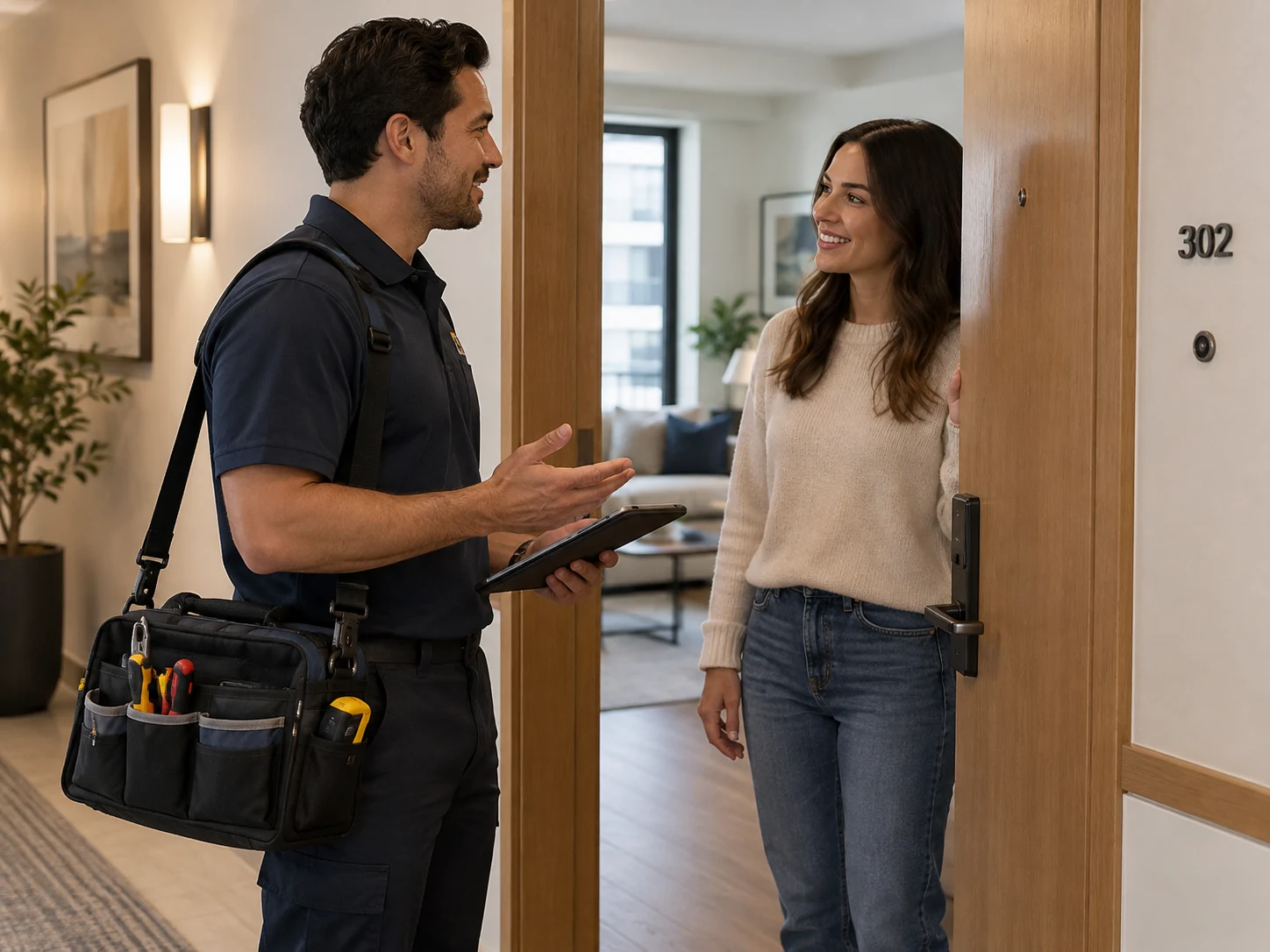
KEYPLUS apartment-lock options serve more than the first move-in. Supported resident, visitor and temporary-access functions help property teams accommodate daily entry and approved service visits, while account and credential changes support the transition to the next tenancy.
| Apartment access point | Typical operating need | Selection priority |
|---|---|---|
| Individual apartments | Battery smart locks with a suitable app configuration | Door fit, local access and tenant handover |
| Short-stay units | Supported scheduled credential workflows | Code expiry, time settings and guest support |
| Shared entrances | A separately engineered access-control solution | Egress, common-area permissions and integration scope |
Our team reviews the apartment-door types and property use to identify suitable lock families and installation options.
The proposed platform and access configuration reflect the needs of residents, short-stay guests and the property team.
Sample hardware provides an opportunity to experience resident entry, temporary credentials and tenant handover before a wider order.
The agreed model, administrator arrangement and product information form a reference for installation and ongoing property operation.
Household access is established for the new tenancy.
Residents use the available local or app credentials.
Temporary credentials support approved visits.
Account and credential changes support the next tenancy.
Apartment access changes over the life of a tenancy. Compatible smart-lock configurations support everyday resident use alongside temporary visits and the handover to a new household.
Selected local entry methods give residents a convenient way into their home, with alternative access on relevant models.
Supported visitor and contractor credentials keep approved visits separate from everyday resident access.
The selected platform provides its own account-transfer and credential-removal procedures when occupancy changes.
T8, T5 and K7S provide different panel, door and connectivity options. The suitable choice depends on the apartment opening and preferred access platform.
A building usually needs more than one hardware type. Shared entrances, lifts and vehicle access are separate from an individual apartment smart lock.
Selected scheduled PIN and app workflows can support short stays. Available validity settings and online requirements depend on the supplied configuration.
The selected platform provides procedures for removing or transferring accounts and credentials. Offline permissions may require a local update at the lock.
Integration depends on the property software, available interface and intended events. It is assessed separately from the apartment-door hardware.
Relevant models include mechanical backup and battery-service information. The property's authorized staff process determines how resident assistance is provided.
Equip your apartment or rental property with suitable KEYPLUS smart-lock hardware. Our team can discuss T8, T5 and K7S options for resident entry, guest stays and property access.
Ask about specifications, samples and quantities for your property. Shared entrances and other building access points can be discussed as a separate part of the enquiry.
Contact KEYPLUS directlyThis site uses cookies. By continuing to browse the site, you are agreeing to our use of cookies.
Accept settingsHide notification onlySettingsWe may request cookies to be set on your device. We use cookies to let us know when you visit our websites, how you interact with us, to enrich your user experience, and to customize your relationship with our website.
Click on the different category headings to find out more. You can also change some of your preferences. Note that blocking some types of cookies may impact your experience on our websites and the services we are able to offer.
These cookies are strictly necessary to provide you with services available through our website and to use some of its features.
Because these cookies are strictly necessary to deliver the website, refusing them will have impact how our site functions. You always can block or delete cookies by changing your browser settings and force blocking all cookies on this website. But this will always prompt you to accept/refuse cookies when revisiting our site.
We fully respect if you want to refuse cookies but to avoid asking you again and again kindly allow us to store a cookie for that. You are free to opt out any time or opt in for other cookies to get a better experience. If you refuse cookies we will remove all set cookies in our domain.
We provide you with a list of stored cookies on your computer in our domain so you can check what we stored. Due to security reasons we are not able to show or modify cookies from other domains. You can check these in your browser security settings.
We also use different external services like Google Webfonts, Google Maps, and external Video providers. Since these providers may collect personal data like your IP address we allow you to block them here. Please be aware that this might heavily reduce the functionality and appearance of our site. Changes will take effect once you reload the page.
Google Webfont Settings:
Google Map Settings:
Google reCaptcha Settings:
Vimeo and Youtube video embeds: